
Most Intel vs AMD articles are written for gamers. They are packed with benchmark charts for games nobody in an office plays, comparisons of overclocking headroom nobody in a corporate IT department uses, and aesthetic opinions nobody making procurement decisions cares about. Then they end with “both are great, it depends!” and leave you exactly where you started.
This is a different kind of comparison. We are approaching this from the perspective of businesses buying laptops, desktops, and workstations for actual work: where Intel and AMD genuinely differ in ways that matter to business buyers, where the differences are overstated, and how to make the decision based on your specific team’s needs rather than benchmark politics.
We buy and sell both at Calderix Technologies, and we have real opinions about when each platform is the right call for professional environments.
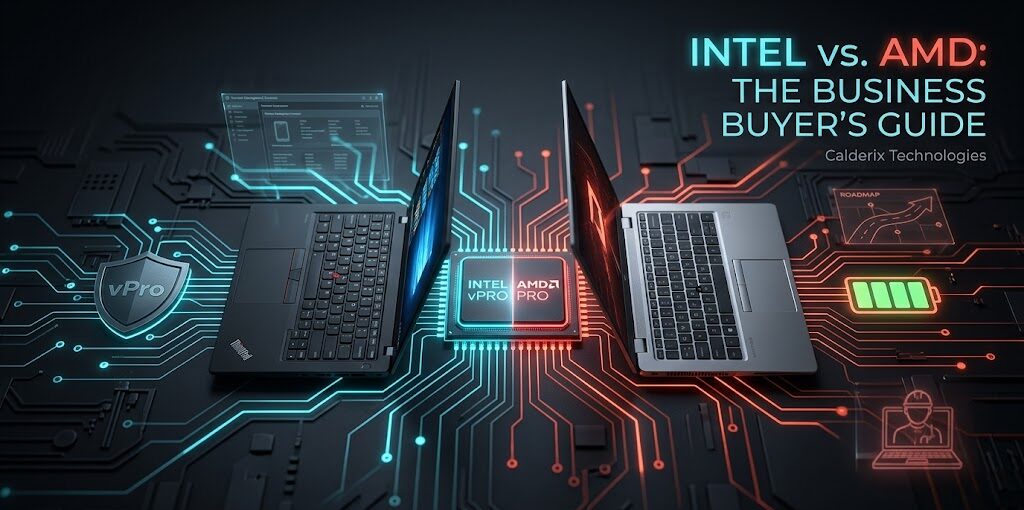
Intel wins on: Enterprise security certifications (vPro), broader software ecosystem compatibility, and consistent support from manufacturers like Lenovo (ThinkPads) and HP (EliteBooks).
AMD wins on: Multi-threaded performance per dollar, battery efficiency in ultra-portable laptops, and superior integrated graphics for non-GPU tasks.
Intel vPro — The Enterprise Security Argument
This is Intel’s strongest argument for business IT departments. Intel vPro is a hardware-level security and manageability platform built into certain CPUs. It enables features like Intel Active Management Technology (AMT), which allows IT administrators to remotely access, diagnose, and remediate systems even when the operating system has crashed or the device is powered off.
For organizations with dedicated IT departments managing large fleets of devices, vPro is genuinely valuable. Remote diagnostics, hardware-level encryption management, and out-of-band access to unresponsive machines are capabilities that simplify IT operations meaningfully. AMD has AMD Pro as its competing platform, which includes similar features. However, AMD Pro is less widely supported by common MDM software and IT management tools—not because it’s inferior, but because vPro has been the enterprise standard for over a decade.
Software and Peripheral Compatibility
In 2026, the vast majority of business software—including Microsoft 365, Salesforce, SAP, and Adobe Creative Cloud—runs identically on Intel and AMD. If your business runs standard commercial software, you will not notice a performance difference in daily use.
Specialized Edge Cases
Where compatibility occasionally matters is in highly specialized industrial or scientific software. Certain legacy enterprise applications, particularly in manufacturing and engineering, were originally written for and optimized around Intel’s instruction set. If your team relies on niche, older software, verify processor compatibility with your networking or software vendor before making a platform switch.
Battery Life: AMD’s Real Advantage in Laptops
If you are buying business laptops for a hybrid workforce, battery life is a legitimate operational concern. AMD’s Ryzen 7000 and 8000 mobile processors—particularly the ‘U’ series ultra-low-voltage chips—have demonstrated excellent power efficiency. For road warriors on your team, AMD mobile platforms frequently edge out Intel in real-world mixed-use longevity.
The Intel Counter-Attack
Intel’s Core Ultra series (Meteor Lake and Arrow Lake) has closed this gap considerably with its separate low-power efficiency cores. While the gap is smaller than it was in 2023, AMD remains the slight favorite for those prioritizing maximum unplugged hours.
Desktop Workstations: Where AMD Shines
For business desktops and workstations, AMD’s value proposition is hard to beat. AMD Ryzen 7000 and 9000 series desktop processors offer more cores at lower prices than comparable Intel chips. For workloads that scale with cores—video editing, software compilation, and data processing—this matters immensely.
A Ryzen 9 7950X provides 16 cores and 32 threads for an aggressive price point in 2026. A comparable Intel Core i9-14900K runs 24 cores (8P + 16E), but with different architecture trade-offs. For pure multi-threaded throughput, AMD often delivers better results per dollar spent. Ensure you pair these processors with high-quality DDR5 RAM to avoid bandwidth bottlenecks.
Which One Should You Actually Buy?
- Your IT team relies on Intel vPro AMT.
- You are standardizing on Intel-optimized OEM models (ThinkPad/EliteBook).
- Your specialized software has documented Intel optimization.
- You need the broadest peripheral ecosystem compatibility.
- You are building/buying workstations where price-per-core matters.
- Maximum battery life in a portable laptop is a priority.
- Your budget is a genuine constraint for mid-range desktops.
- You want superior integrated graphics performance without a discrete GPU.
Strategic Advice for Small Businesses
Honestly? Buy whichever platform comes in the business laptop or desktop model that fits your budget and support requirements. The performance difference in typical office applications between a Core Ultra 7 and a Ryzen 7 is not the thing you should be optimizing for. Keyboard quality, display, build durability, and warranty support matter far more for business hardware than the CPU brand.
The Role of Storage and Memory
Regardless of the CPU you choose, ensure your system is equipped with a high-speed NVMe SSD and at least 16GB of RAM. A slow hard drive will bottleneck even the fastest Intel or AMD processor, making the “brand battle” irrelevant to your daily productivity.
Frequently Asked Questions — Intel vs. AMD Business
Ready to Upgrade Your Business Fleet?
Calderix Technologies · Houston, TX · (832) 924-0490
Expert Guidance for IT Managers and Procurement Teams